
In the new-lobby panel, select LABORATORY in the map list. Choose a lobby size from 1–4, review the mode and access settings, then check the configuration line before selecting Create. The shown setup reads LABORATORY / SOLO / NORMAL / PUBLIC.
Basis: User-supplied lobby and scene screenshots, reviewed October 11, 2026, archived locally and displayed as WebP. A newer character-introduction frame clearly reads DR. BANANOV. Game build, capture dates, boss combat and rewards remain unconfirmed.
Laboratory appears as a selectable map in the new-lobby menu. The supplied screenshot shows a solo lobby with Normal mode and Public access, plus a Create button.
On this page
- Map
- Laboratory
- Lobby size options
- 1–4
Select Laboratory in the new-lobby menu
Select the map
In the new-lobby panel (大厅 // 全新 in the supplied UI), select LABORATORY from the left map list. The highlighted entry and large preview both display LABORATORY.
Choose the lobby size
The numbered size buttons run from 1 to 4. In the supplied screenshot, 1 is selected and the configuration line identifies the lobby as SOLO.
Review mode and access
The shown dropdown values are Normal (普通) and Public (公开). The menus are closed, so this capture does not establish their other choices.
Check the configuration and select Create
For the pictured setup, confirm LABORATORY / SOLO / NORMAL / PUBLIC, then select Create (创建). The screenshot shows the available button; it does not document a completed load into the match.
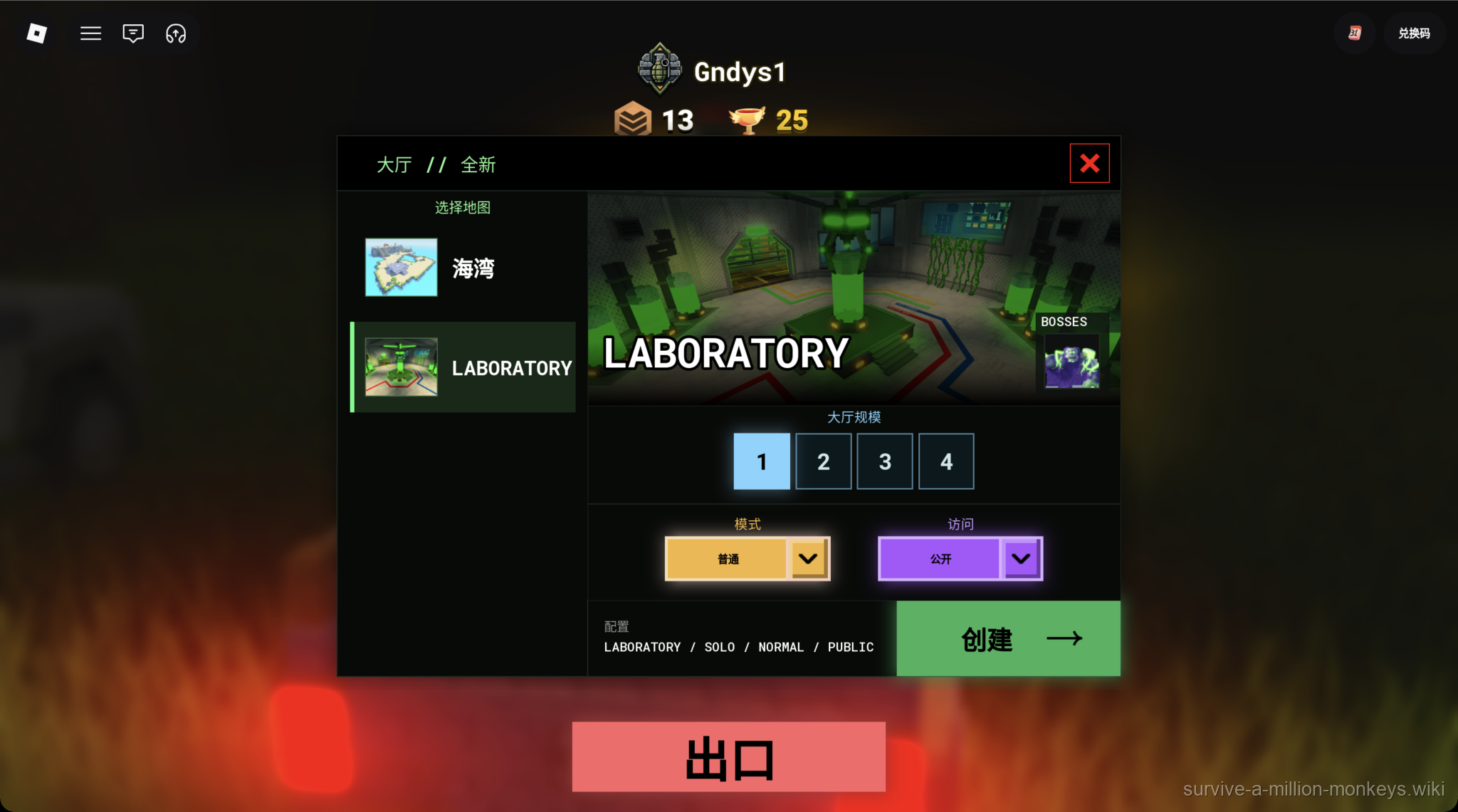
Laboratory is selected with size 1 / Normal / Public. The menu alone does not establish entry requirements or boss rewards.
User-supplied gameplay screenshot · Source / open if playback failsLaboratory lobby options shown on screen
| Setting | Observed value or options |
|---|---|
| Map list | Cove (海湾) and LABORATORY |
| Lobby size | Buttons 1, 2, 3 and 4; 1 selected |
| Mode | Normal selected |
| Access | Public selected |
| Configuration | LABORATORY / SOLO / NORMAL / PUBLIC |
| Map preview | LABORATORY with a BOSSES badge |
| Action | Create button visible |
Recognize the Laboratory scenes
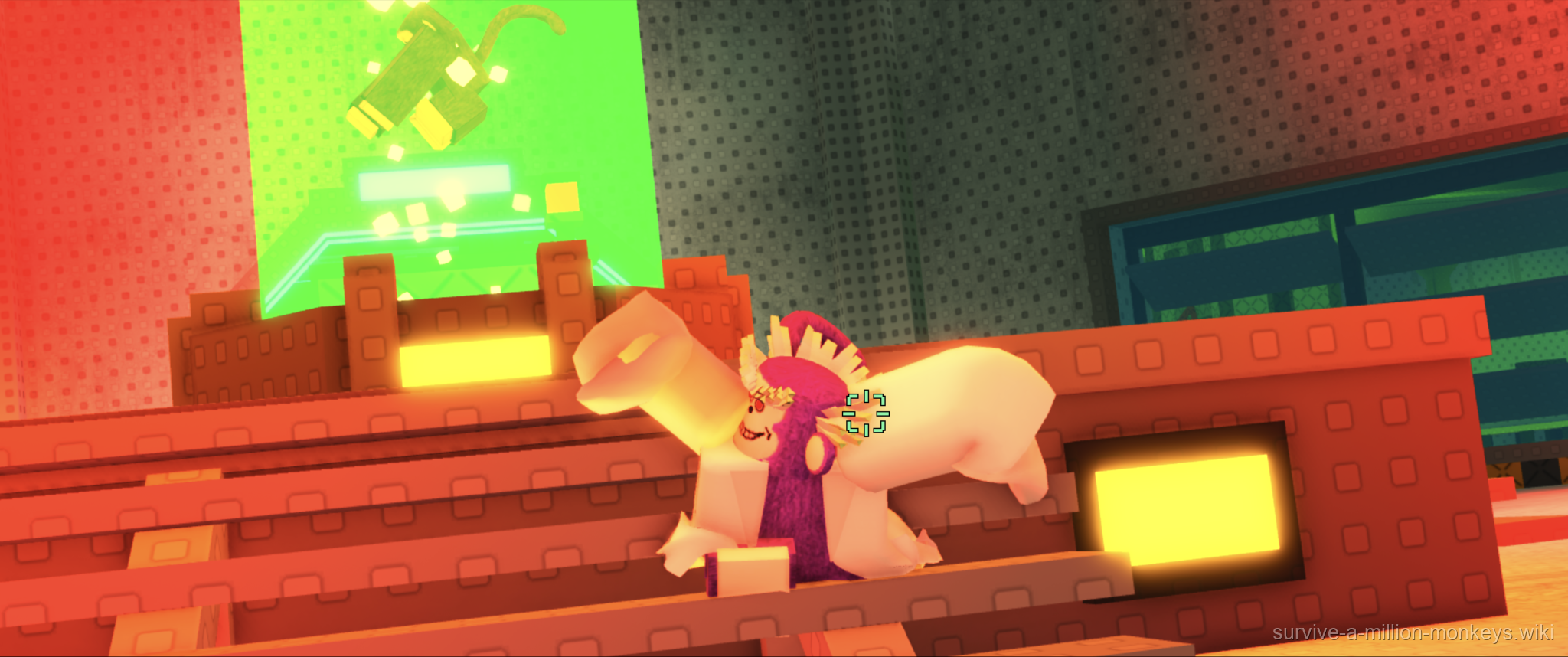
User-supplied Laboratory cutscene frame. Character names and scenery do not establish combat mechanics or drops.
User-supplied gameplay screenshot · Source / open if playback fails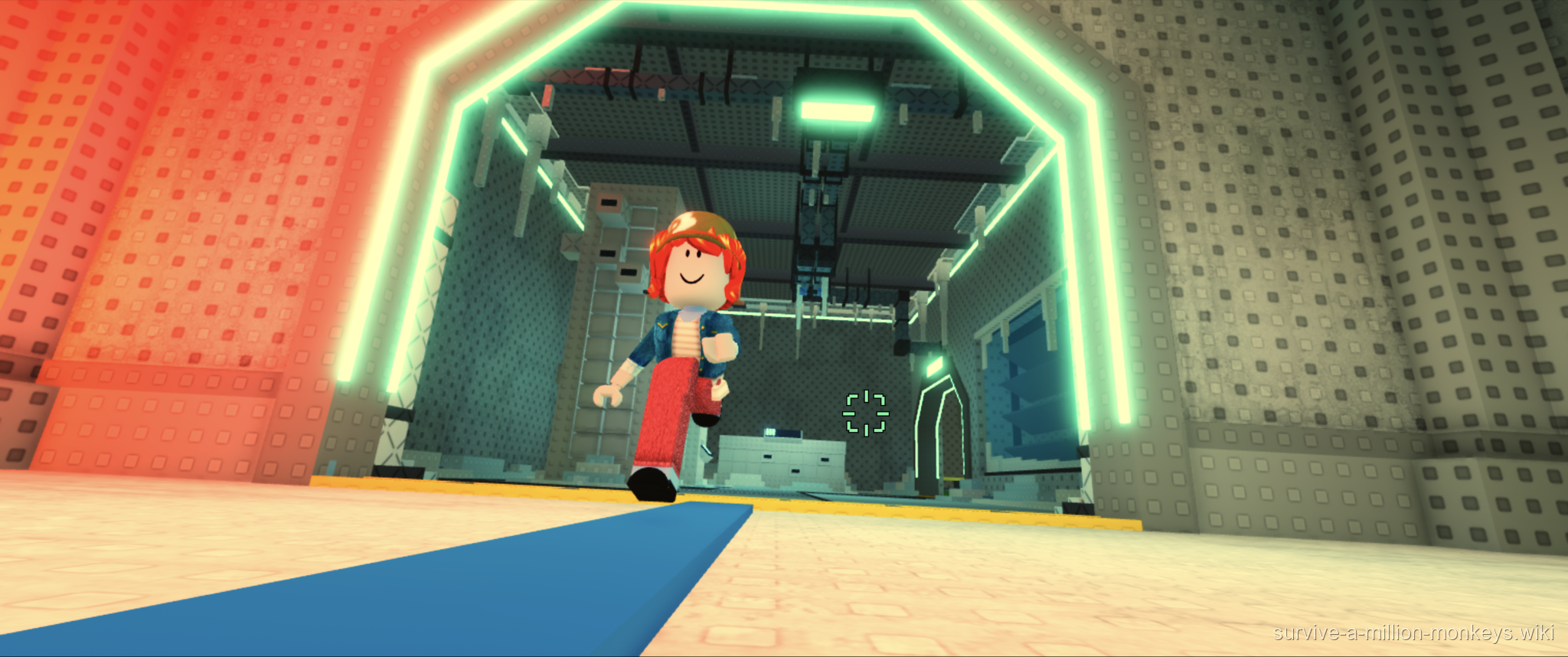
User-supplied Laboratory cutscene frame. Character names and scenery do not establish combat mechanics or drops.
User-supplied gameplay screenshot · Source / open if playback fails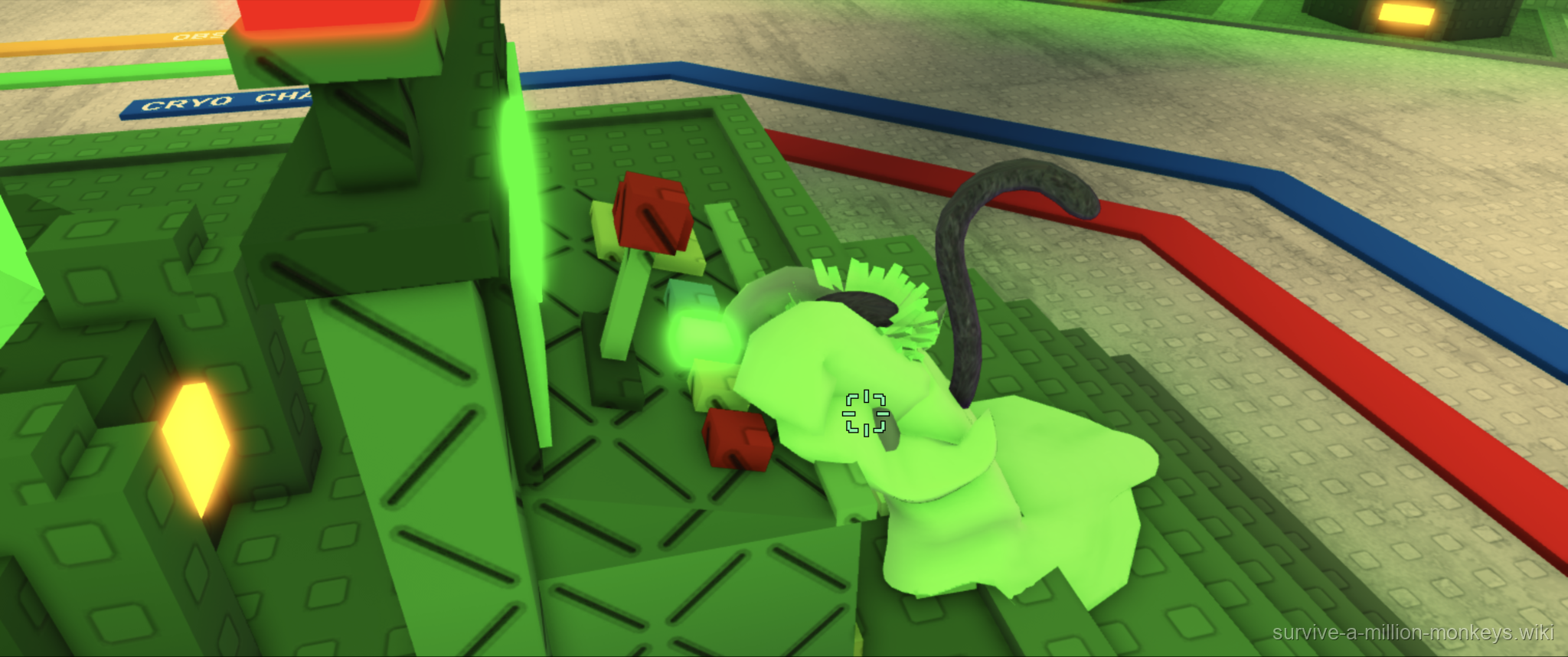
User-supplied Laboratory cutscene frame. Character names and scenery do not establish combat mechanics or drops.
User-supplied gameplay screenshot · Source / open if playback fails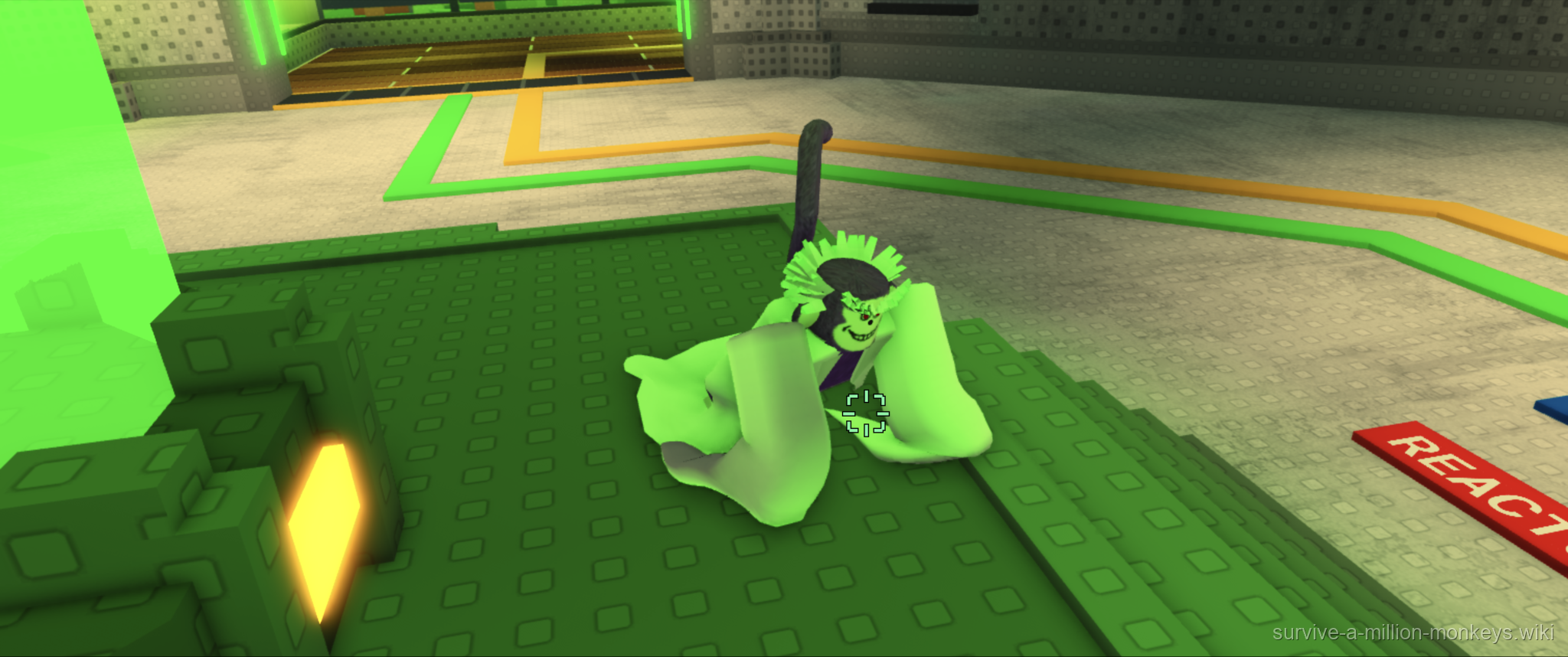
User-supplied Laboratory cutscene frame. Character names and scenery do not establish combat mechanics or drops.
User-supplied gameplay screenshot · Source / open if playback fails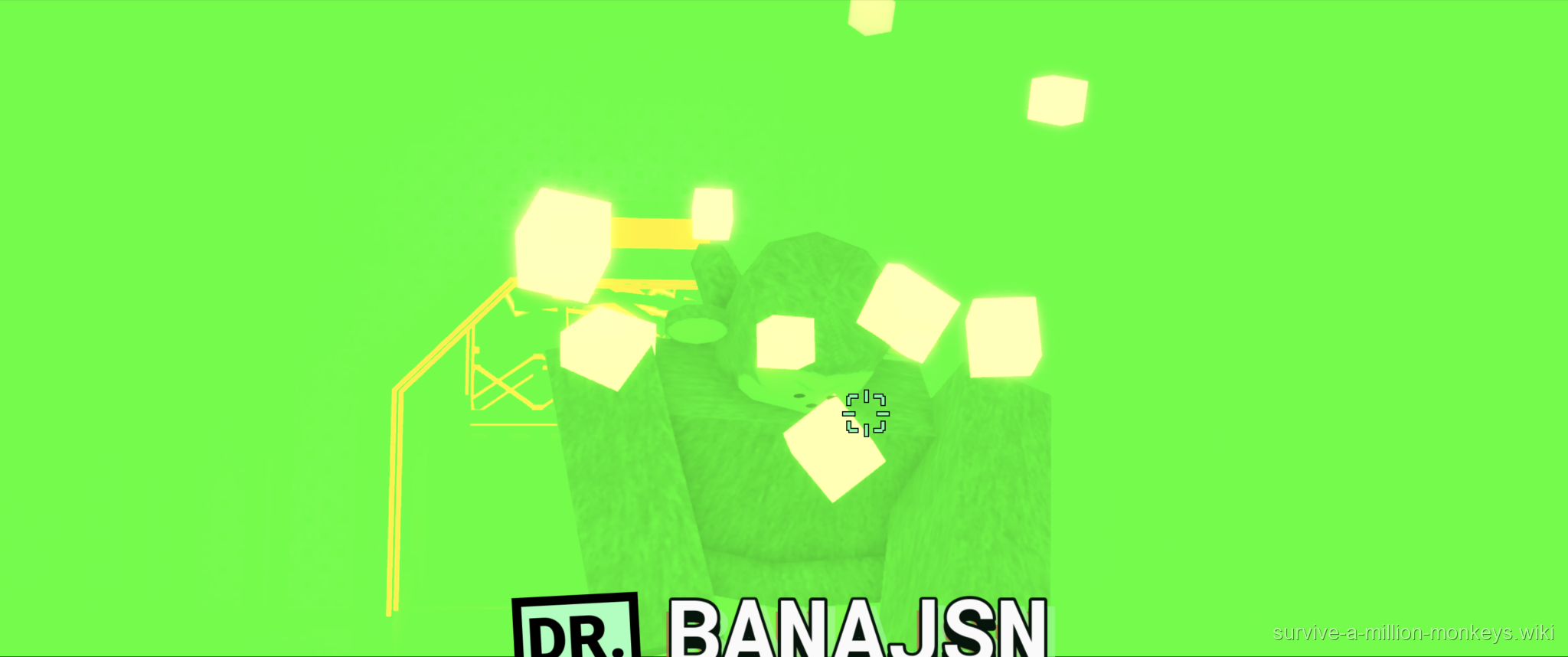
User-supplied Laboratory cutscene frame. Character names and scenery do not establish combat mechanics or drops.
User-supplied gameplay screenshot · Source / open if playback fails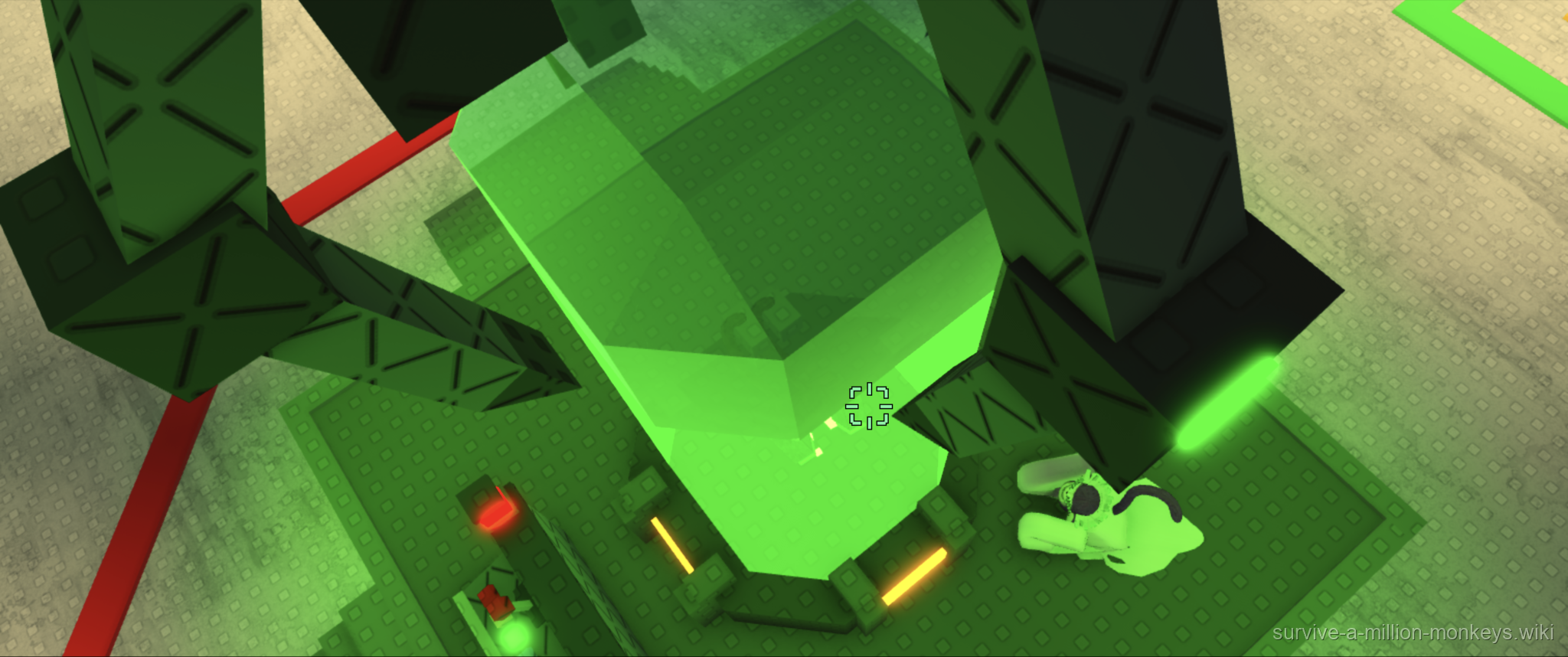
User-supplied Laboratory cutscene frame. Character names and scenery do not establish combat mechanics or drops.
User-supplied gameplay screenshot · Source / open if playback fails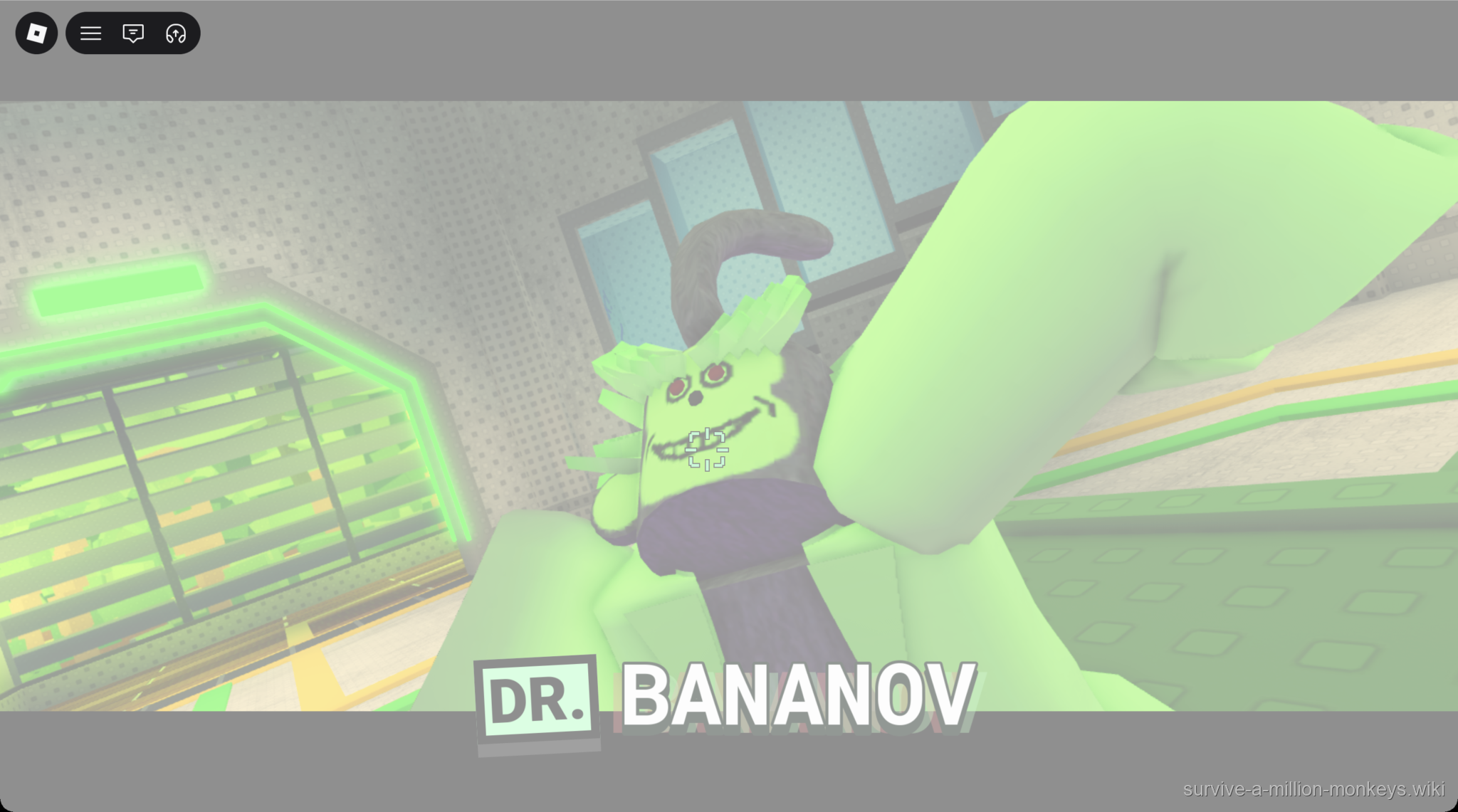
The clearer frame resolves the character-name label as DR. BANANOV. The captured fade and brightness are preserved.
User-supplied Roblox screenshot · Source / open if playback failsThe supplied transition screen
The second new screenshot shows four small monkey figures arranged around the center of a dark screen. It is recorded here as a transition-style frame supplied with the character introduction.
No map title, progress percentage, error message or gameplay result is readable in this frame. It does not establish a loading duration or a failed load.
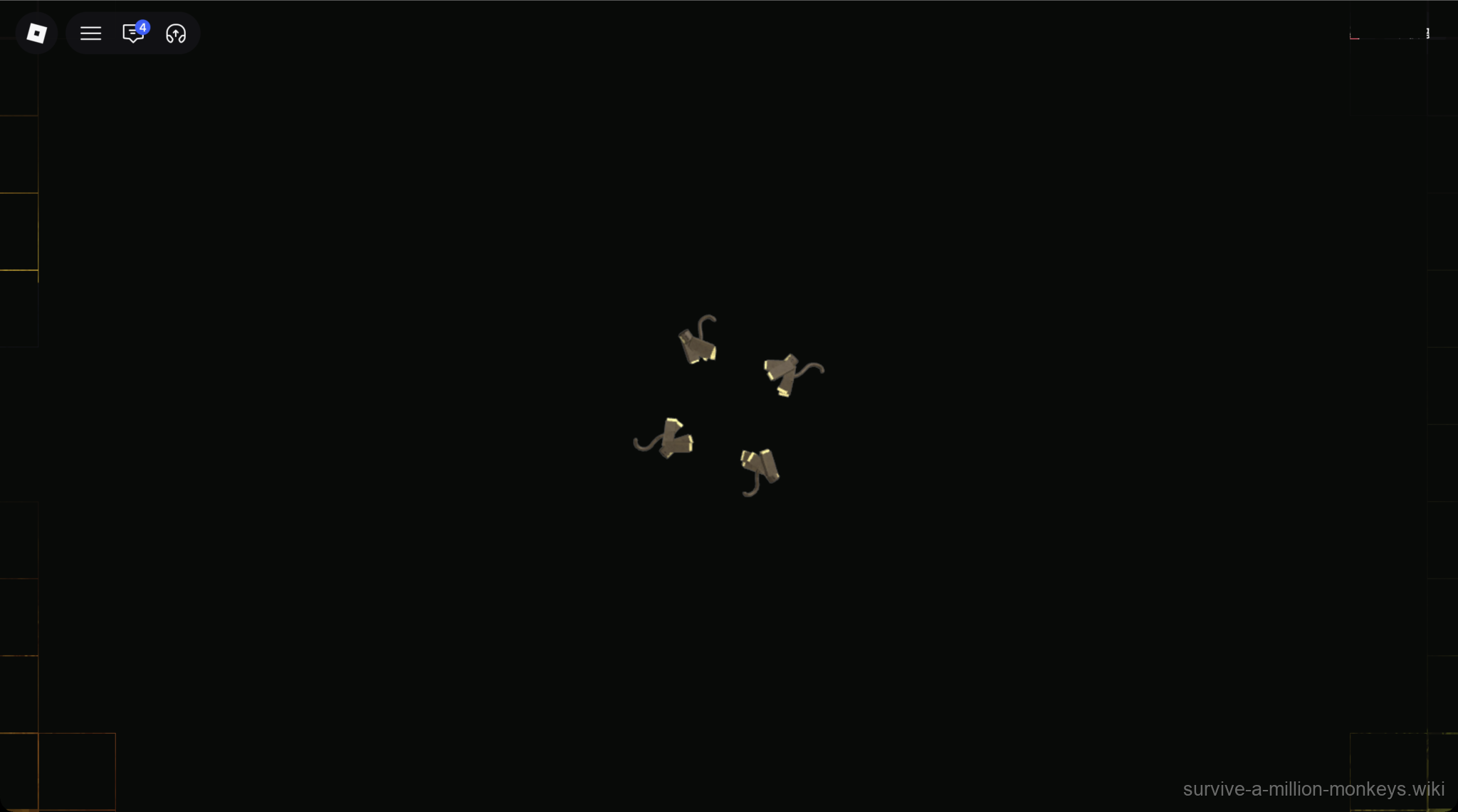
This frame shows the visual transition only; no loading time, progress value or error is shown.
User-supplied Roblox screenshot · Source / open if playback failsEntry requirements and boss details
The map selection is visible, but a minimum player level, Gem fee or unlock prerequisite is not shown. The numbered buttons and solo configuration establish the pictured setup; they do not establish how multiplayer invitations work.
The cutscene frames do not show boss health, attacks, a victory screen or equipment rewards. A fallen character in a scene does not establish a defeated boss. Boss combat and drop details remain unconfirmed.
Sources
- Laboratory lobby — user screenshot transcription
- Supplied UPDATE #2: MONKEY MAYHEM announcement
- Laboratory character introduction clearly labeled DR. BANANOV, showing a white-coated monkey-like character near a green-lit doorway
- Dark transition-style screen with four small monkey figures arranged around the center